1
Home
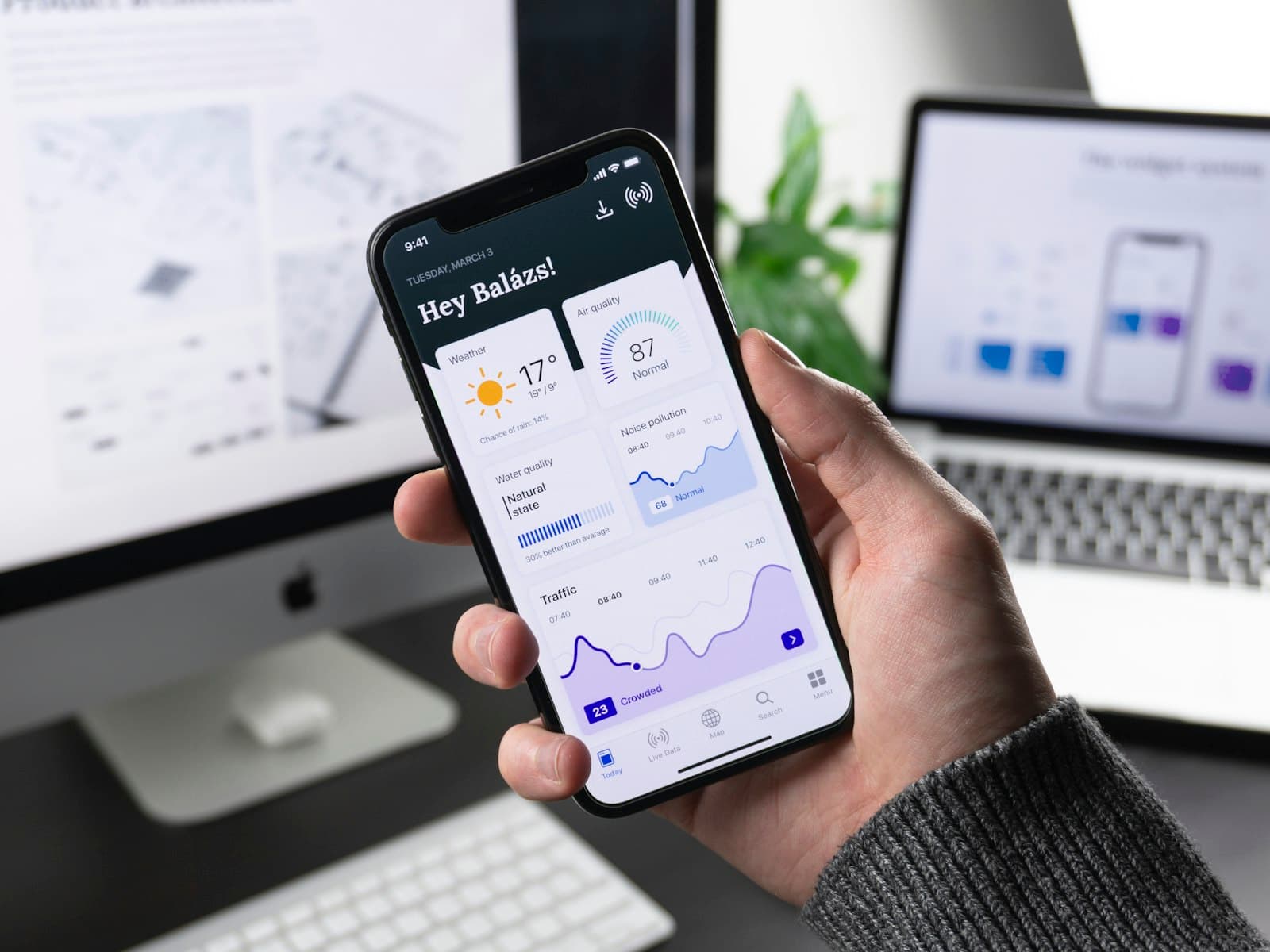
The home page is designed to present key information clearly, keep the visual rhythm clean, and help users understand the project flow quickly.
Overview
Built an interactive BI dashboard with real-time connection to all POS systems.
Type
Data Analytics
Role
Product Strategy, UX/UI Design, Frontend Development
Tools
Python, Apache Superset, PostgreSQL, FastAPI, React
Skills
UX Writing, Wireframing, Responsive Design, System Thinking
Color Palette
Ink
#0F172A
Signal Blue
#315EFB
Mist
#E8EEFF
Paper
#F8FAFC
Infrastructure
Home
Overview
Features
Workflow
Dashboard
Detail
Mobile
CTA
Design
The chosen theme for this project is modern product system. This theme was chosen so the product feels professional, clear, and ready for business use. The selected style is minimal, modular, and image-forward. This style keeps the focus on structure, creates breathing room, and makes the experience feel modern.
The home page is designed to present key information clearly, keep the visual rhythm clean, and help users understand the project flow quickly.
The overview page is designed to present key information clearly, keep the visual rhythm clean, and help users understand the project flow quickly.
The features page is designed to present key information clearly, keep the visual rhythm clean, and help users understand the project flow quickly.
The workflow page is designed to present key information clearly, keep the visual rhythm clean, and help users understand the project flow quickly.
The dashboard page is designed to present key information clearly, keep the visual rhythm clean, and help users understand the project flow quickly.
The detail page is designed to present key information clearly, keep the visual rhythm clean, and help users understand the project flow quickly.
The mobile page is designed to present key information clearly, keep the visual rhythm clean, and help users understand the project flow quickly.
The cta page is designed to present key information clearly, keep the visual rhythm clean, and help users understand the project flow quickly.